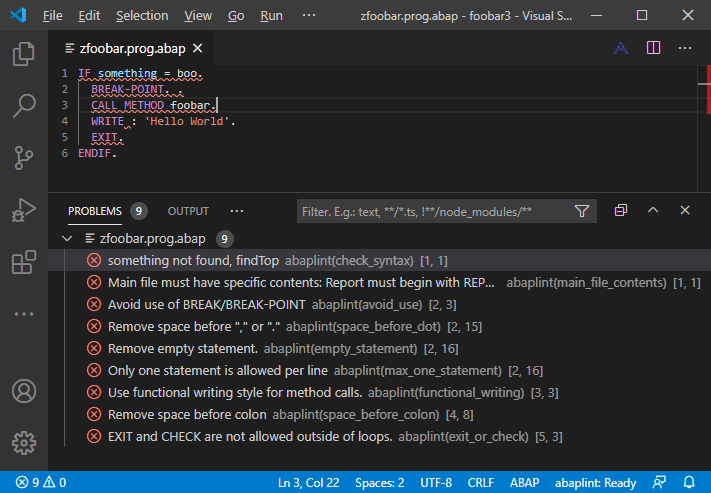
vscode abaplint extension
https://marketplace.visualstudio.com/items?itemName=larshp.vscode-abaplint
Features:
- Diagnostics / Linting
- Outline
- Hover information
- Go to definition
- Go to implementation
- Quick fixes
- Find references
- Rename classes, interfaces and variables
- Document formatting
- Semantic highlighting
- Listing unit tests in test explorer
- Object view
Keybindings:
- Shift+F1 = pretty print
- Ctrl+F3 = save
- Ctrl+Shift+a = open file
- F1 = language help
- Ctrl+< = comment
- Ctrl+Shift+< = uncomment
When working with remote file systems (e.g., SSH, WSL, containers), you can specify a local abaplint.json configuration file instead of using one from the remote workspace:
- Open VS Code Settings (Ctrl+,)
- Search for "abaplint local config"
- Set
abaplint.localConfigPathto the absolute path of your local configuration file
Example: /Users/yourname/configs/abaplint.json or C:\Users\yourname\configs\abaplint.json
The extension will use this local configuration file when working with remote file systems, allowing you to maintain a consistent linting configuration across different remote environments.